ExperienceHow to effectively save battery and phone data when traveling to Japan
shibaSIM · 2026/07/24 · 4 min read
Constantly moving between sightseeing spots, looking up train routes, and using maps in Japan causes your phone to consume power and data faster than usual. Managing these two factors well will help your trip stay proactive and avoid connection interruptions.
Tips to optimize mobile data capacity
- Preload offline maps on Google Maps for areas planned to visit to reduce direct data downloads.
- Turn off automatic app updates and cloud sync using mobile data.
- Avoid watching high-quality videos or downloading large files while using a mobile network.
- Take advantage of Wi-Fi at hotels or train stations to download necessary information before going out.
- For basic usage needs such as looking up maps, texting and searching for information, a capacity of about 1GB per day is usually enough.
Method to keep phone battery longer
- Reduce screen brightness to a moderate level and turn off background app refresh.
- Turn on battery saving mode when traveling all day on the road.
- Low temperatures in winter in Japan can cause the battery to lose capacity faster. Keep your phone in a warm coat pocket when not in use.
- Bring a light backup charger and compatible charger. Mains electricity in Japan uses 100V voltage and standard Type A socket with flat pins.
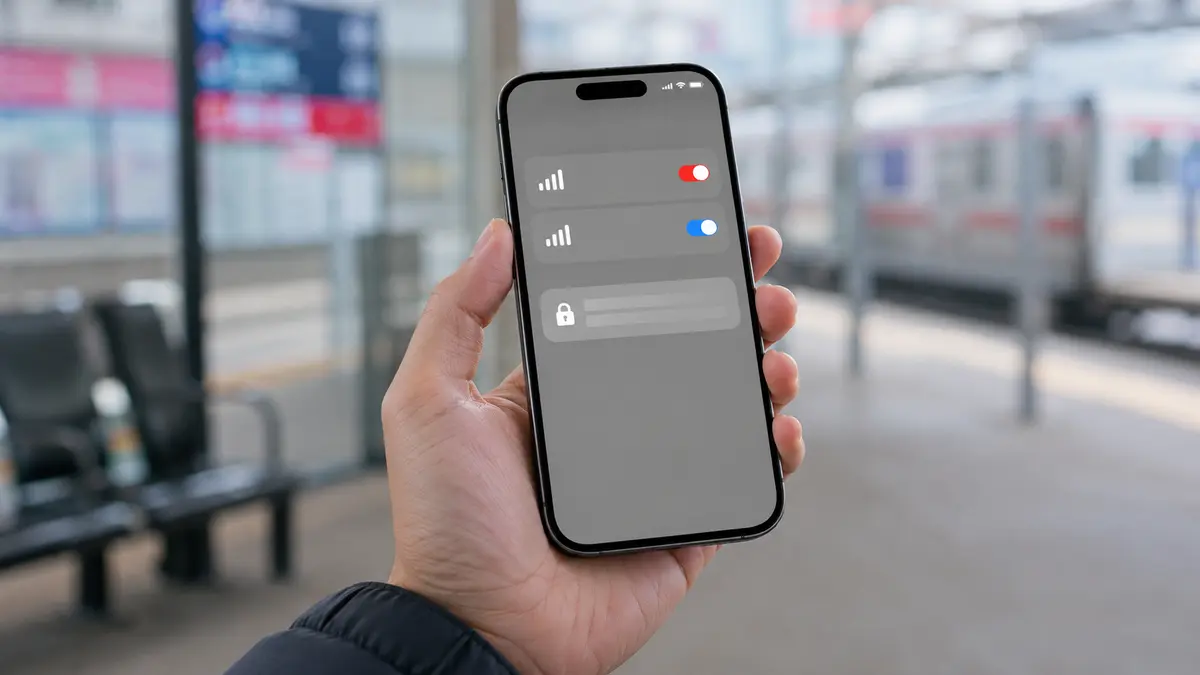
Tip: When using shibaSIM's Japanese eSIM, you can run it in parallel with a Vietnamese SIM on the same device to receive calls and OTP codes normally without wasting data capacity.
Proactively managing your device helps you feel secure to experience your trip without worrying about running out of battery or losing connection midway. If you are preparing for your upcoming journey, check out Japanese eSIM packages at shibaSIM to receive an activation QR code immediately after payment.
Planning a trip to Japan?Browse current plans and buy online in English, or ask our team if you need help.
Browse Japan eSIM plans →