Having installed an eSIM but arriving in Japan and still seeing "no service" is a situation that worries many people, but most of the time it's not because the package is broken, but because a switch isn't turned on properly. Try the steps below in order, as the most common causes come first.
1. Check whether data roaming is enabled
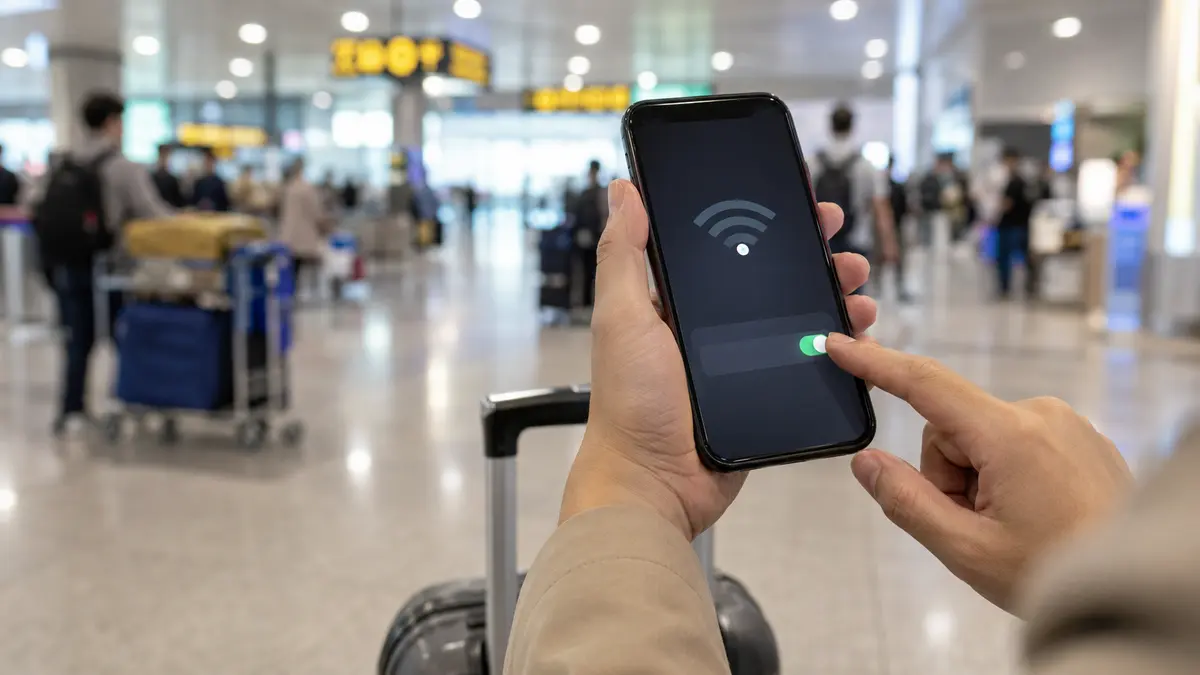
This is the most common cause. The travel package runs on the Japanese network, so Japanese eSIM models need to enable Data Roaming.
- iPhone: Settings → Mobile → select Japanese eSIM line → turn on Data Roaming.
- Android: SIM management section → select Japanese eSIM → turn on Data Roaming.
Turn it on and wait about a minute for the device to receive signal again.
2. Select the correct data line and have the eSIM line enabled
It's easy for a dual-SIM device to use the wrong data line to use a Vietnamese SIM.
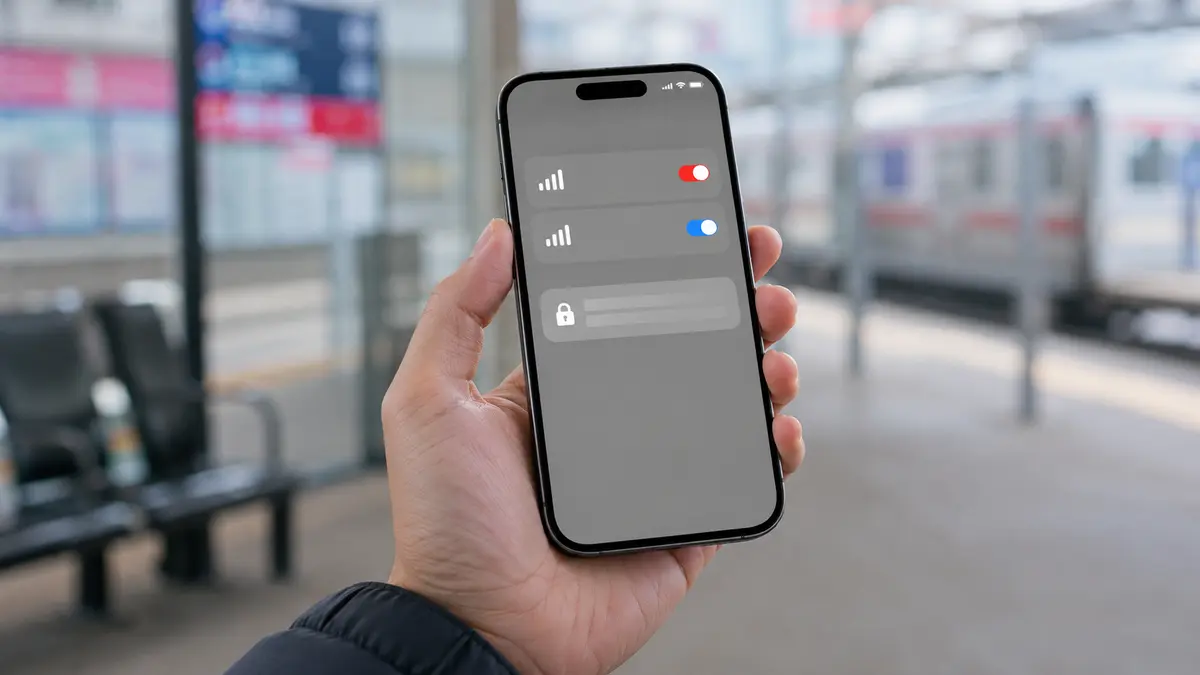
- Make sure the Japanese eSIM line is in the On state.
- In the Mobile data section, select Japanese eSIM as the data line, not Vietnamese SIM.
- Turn off Data Roaming of Vietnam SIM to both avoid incurring charges and avoid mistakenly prioritizing the device.
3. Turn off airplane mode and restart
Sounds simple but can handle many cases, especially right after the plane lands.
- Turn airplane mode on and off again to let the device detect the network again.
- If it still doesn't work, restart the phone once.
4. Manually select a network operator
Sometimes the device cannot automatically select the Japanese network.
- iPhone: Settings → Mobile → select eSIM line → Select network → turn off Automatically → select a Japanese carrier in the list.
- Android: Settings → Mobile network of eSIM series → Carrier → turn off automatic selection → select manually.
If the network you just selected doesn't work, try the remaining networks in the list one by one.
5. Check access point name (APN)
Most packages automatically recognize the APN, but if there is still no internet even though there is signal, check the APN according to the shibaSIM instructions included with the package. Fill in verbatim, without adding extra spaces, then save and re-enable the data.
6. Check the package is still valid and it's time to use it
Each package has a certain number of days of use. If you turn it on too early or the package has expired, your device will have signal but cannot access the network.
- Review the number of days of use of the package you purchased.
- If you accidentally turn it on before your travel date, contact shibaSIM for support.
Tip: Before flying, take a screenshot of the installation instructions and save the email containing the QR code in an easy-to-find folder. When at the Japanese airport and the Wi-Fi is intermittent, having information available on your device will help you feel less confused.
If you've tried everything but it still doesn't work
When all the above steps are correct but the device still cannot access the network, it is most likely a packet error. shibaSIM supports in Vietnamese via Zalo/LINE to process with you, and refunds if eSIM cannot be activated due to package error.
Want to review from the beginning how to install correctly? Refer to install Japanese eSIM on iPhone or on Android. If you're choosing a plan for your next trip, see shibaSIM's Japanese eSIM plans.