ExperienceJapanese eSIM not accessing the network at the airport? 6 steps to handle immediately
shibaSIM · 2026/07/24 · 7 min read

Arriving at the airport, turning on the phone but the map cannot be loaded is one of the situations that easily panics first-time visitors to Japan. In most cases, it is not the eSIM that is broken; It's usually just a matter of missing one of a few very small steps. Follow the order below to process in minutes, instead of hastily deleting the eSIM or rescanning the QR.
Step 1: check you are using the correct data line
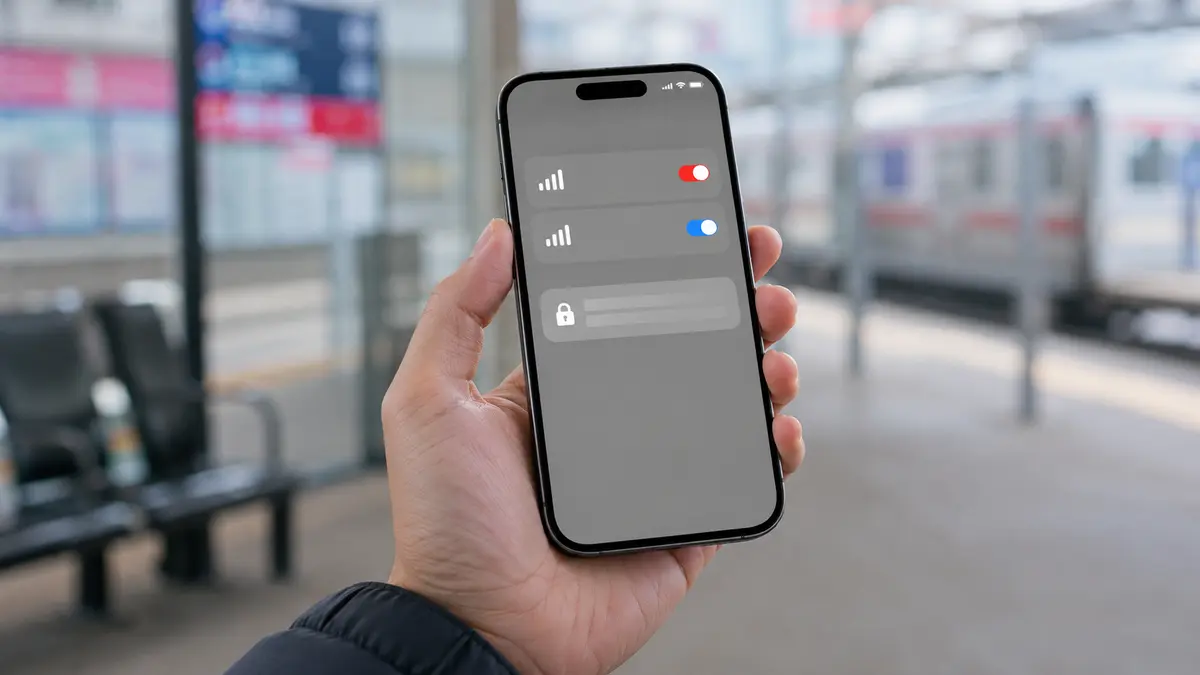
The phone may still prioritize Vietnamese SIM as mobile data. Go to Mobile/SIM section, select Japanese eSIM as Mobile Data. Keep your Vietnam SIM on if you need to receive SMS/OTP, but turn off its mobile data to avoid unwanted roaming.
Step 2: turn on Data Roaming for Japanese eSIM
Many travel eSIM plans run through partner networks so Data Roaming / Data Roaming needs to be enabled on the Japanese eSIM itself. This is the most overlooked setting. Turn on roaming for eSIM, not for Vietnam SIM.
Step 3: turn off/on airplane mode and wait to receive signal
Turn on airplane mode for about 10 seconds and then turn it off. Then wait one to two minutes for the device to register to the network. Don't change carriers manually right away; to select automatically first.
Step 4: check if eSIM is enabled
Go to the SIM/eSIM list, make sure the Japanese eSIM is in the On state. If you install from Vietnam, it is normal for there to be no signal before landing; Please check again once you are in Japan and have roaming turned on.
Step 5: check APN only when the package instructions require it
Do not manually fill in random APNs. Most eSIMs are self-configuring; Only enter the APN if the instructions accompanying the QR or support staff request it. Incorrect typing can make it difficult to know where the error lies.
Step 6: prepare information before sending support messages
If you have done the above five steps and still have no network, take a screenshot of the eSIM settings (cover QR/ICCID), device name, current location and error message. This way support can handle things quickly instead of having to ask each step again.
Things not to do
- Do not delete eSIM before receiving instructions from support. Multi-pack QR can only be used once.
- Do not turn on data roaming for Vietnam SIM if you only want to keep the OTP receipt number.
- Do not reset the entire device immediately; Most errors are resolved by data line and roaming.
Prepare to not see each other again
Install the eSIM before your trip while Wi-Fi is available and save the instructions/QR in a safe place. See how to install Japanese eSIM and article keep Vietnamese number to receive OTP before flying. If you have not selected a plan, see Japanese eSIM by number of travel days.
Tip: When you need help, describing "eSIM as data selected, roaming turned on, flight turned on/off" will help support process much faster than just saying "no network".
Related articles
Planning a trip to Japan?Browse current plans and buy online in English, or ask our team if you need help.
Browse Japan eSIM plans →